Why Your Anki Flashcards Aren't Working (And How to Fix It Fast)
If you've ever opened your Anki app, tapped a card, and felt like something was broken, you're not alone. One of our Speakada community members, Jennifer, recently reached out with exactly that experience. She's been learning both Spanish and Polish simultaneously (seriously impressive!), and after downloading her Speakada bundles, she ran into two puzzling issues: her minimal pairs cards on desktop felt unresponsive, and her iPhone kept showing a frustrating "missing file" error when she tried to play audio.
We answered Jennifer directly, but her questions were so common and so useful that we wanted to share the answers here on the Anki Language Learning Blog for everyone who might be experiencing the same thing. Whether you're using Anki Spanish Flashcards, Anki French Flashcards, Anki Italian Flashcards, Anki German Flashcards, Anki Dutch Flashcards, Anki Polish Flashcards, or Anki English Flashcards, this guide applies to you.
Issue #1: Desktop Minimal Pairs Cards Feel "Unresponsive"
Let's start with the good news: if you click a choice on a minimal pairs flashcard on your desktop and nothing visually changes, that's not a bug. That's Anki working exactly as designed.
Anki is built around spaced repetition science, not gamified clicking mechanics. Here's the intended flow for minimal pairs cards:
- Listen to the audio prompt carefully.
- Make your mental decision, for example, "I think that's the word on the left."
- Press Spacebar or click Show Answer.
- The card reveals and color-codes the correct answer so you instantly know if you were right.
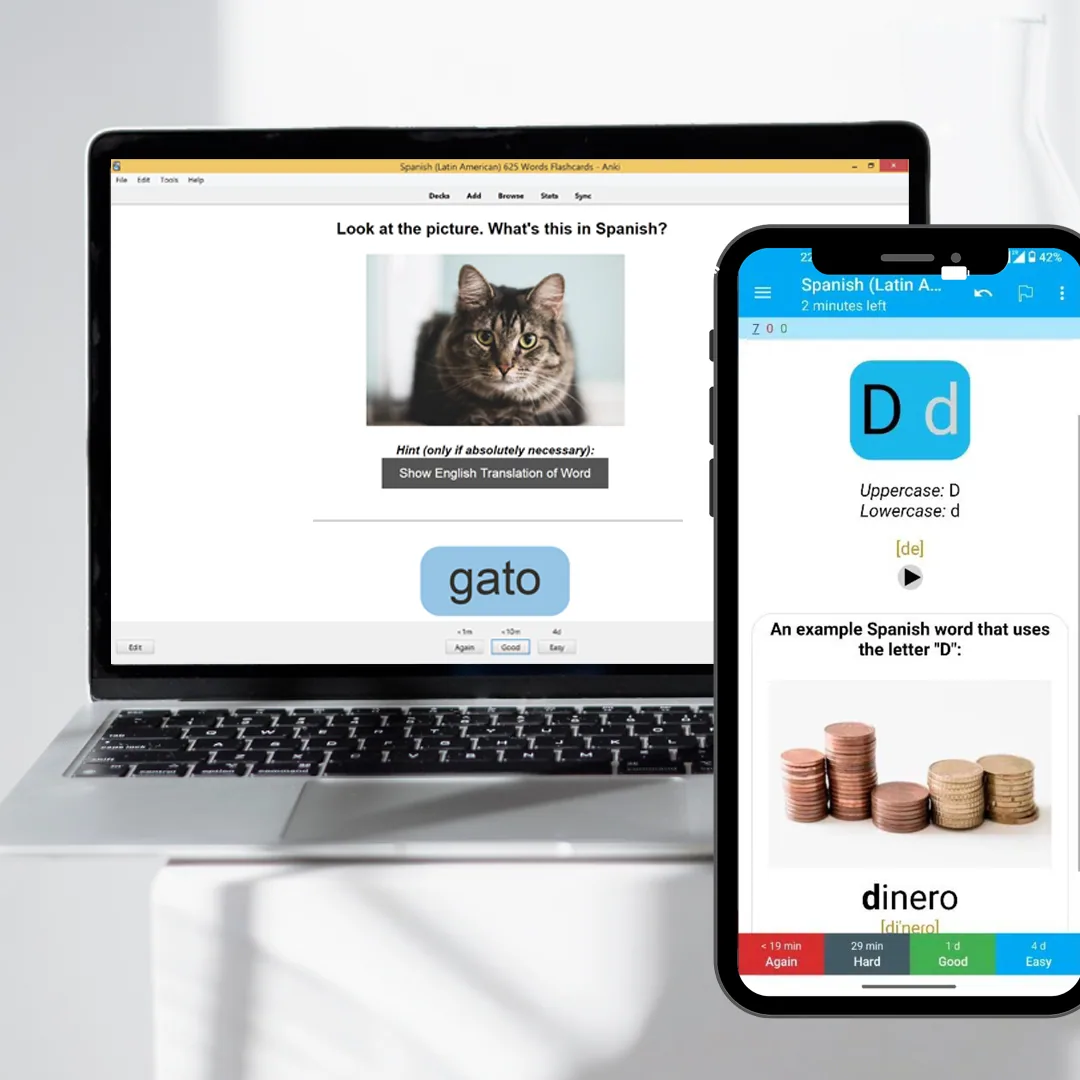
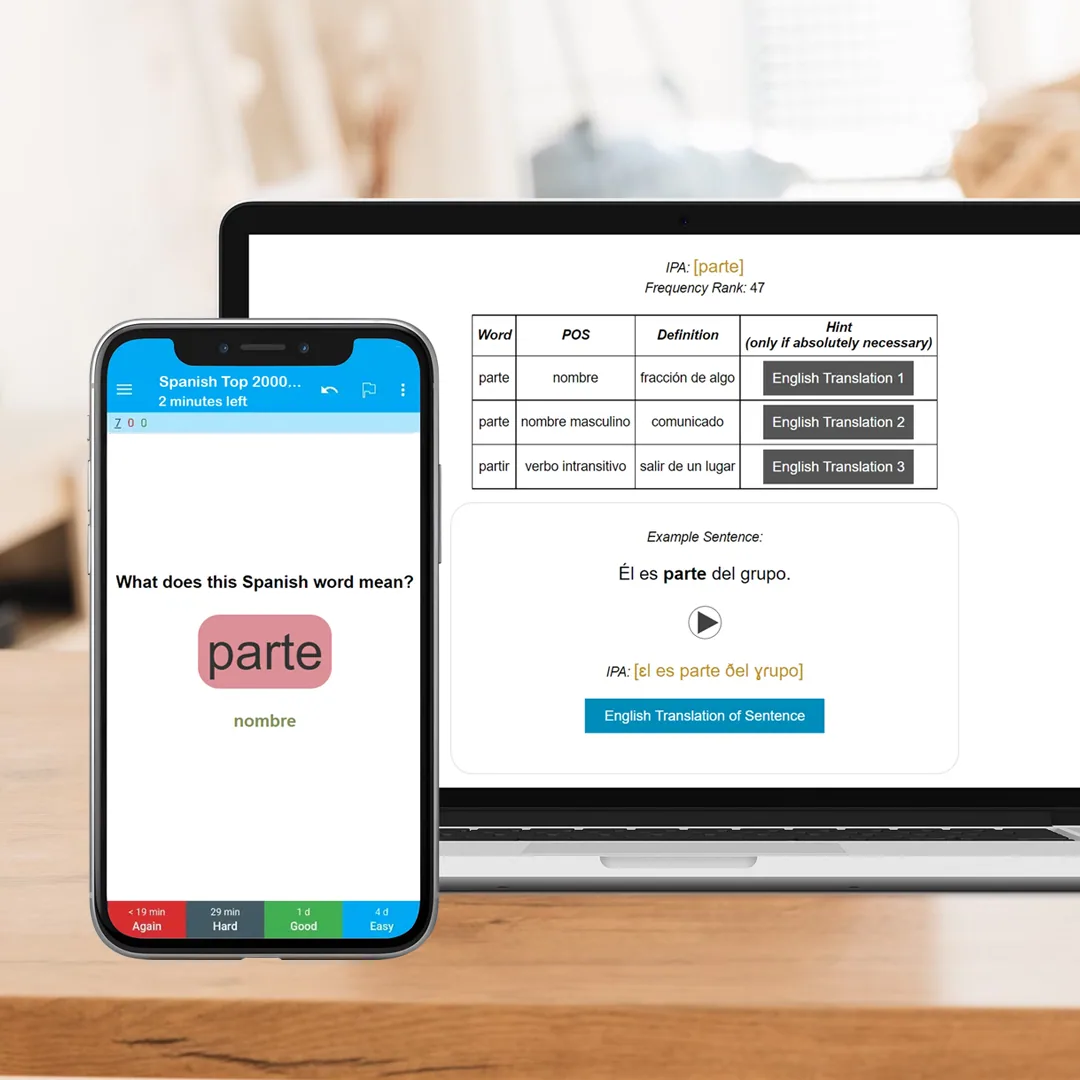
- Use the rating buttons, Again, Hard, Good, Easy, to tell Anki how well you knew it. That's where your actual answer gets recorded for spaced repetition purposes.
Many learners expect something to happen the moment they click, like in a quiz app. But Anki's power comes from the rating step, not the click. The spaced repetition algorithm uses your self-rating to decide when to show you that card again: more often if you struggled, less often if you nailed it. That's how Anki works to learn a language better: it adapts to your memory patterns over time.
Once you understand this flow, the minimal pairs experience becomes much more intuitive. You're not just clicking answers. You're training your ear and then honestly rating your own recall.
Issue #2: iPhone Showing a "Missing File" Error
This one is more serious, and more common than you might think. The culprit is usually the wrong Anki app.
The App Store Fake-App Problem
Here's something that trips up a lot of new Speakada users: the App Store is full of apps with names like "AnkiApp," "Anki Pro," or "Anki Flashcards," and some of them look convincingly similar to the real thing. But they are not the official Anki app. They don't support the advanced media features (like audio files) that our pronunciation, vocabulary, and grammar decks rely on, which is exactly what causes that "missing file" error.
The official app is called AnkiMobile Flashcards. It has a distinctive blue star icon on a grey background. You can verify you have the correct one by visiting the official Anki website: https://apps.ankiweb.net/
AnkiMobile is a paid app (around $25 USD at the time of writing). That cost funds the open-source development of Anki across all platforms: desktop, Android, and iOS. It's a one-time purchase, and it's the only iOS app that properly supports the full range of features in professional Anki decks like Speakada's.
Still Seeing Errors Even with the Official App?
If you've confirmed you have AnkiMobile Flashcards and you're still seeing "missing file" errors, the issue is almost certainly an incomplete media sync. This is especially common with Pronunciation Flashcards. Our pronunciation bundles contain a large number of audio files, and syncing them all takes time.
Here's how to fix it:
- Open AnkiMobile and tap Synchronize.
- Keep your screen on and wait for the loading bar to finish completely. Don't lock your phone mid-sync.
- Once the sync finishes, try playing the audio again.
That's usually all it takes. The audio files simply hadn't finished downloading to your device yet.
Quick Fix Checklist
Here's a summary of what to check if your Speakada Anki decks aren't behaving as expected:
Desktop: Minimal pairs card feels unresponsive when clicking ? This is normal. Anki records your answer via the rating buttons (Again / Hard / Good / Easy) after you reveal the card, not when you click. No fix needed.
iPhone: "Missing file" error when playing audio ? Check that you have AnkiMobile Flashcards (the official app with the blue star icon). Copycat apps won't support media files.
Official app installed but still broken ? Tap Synchronize and let the full sync finish with your screen on. Audio files, especially from pronunciation decks, can take a while to download completely.
Going Deeper: Get the Most from Your Anki Decks
Once your app is working properly, it's worth taking a moment to think about your overall Anki strategy. Technical fixes aside, why Anki is good for learning comes down to the consistency of your reviews. Showing up for your daily card sessions, even on days when it feels like you're just pressing "Good" on things you already know, is how the spaced repetition magic compounds over time.
If you want to go even further, explore the three pillars of language fluency that our Speakada decks are built around:
- Vocabulary Flashcards: Systematic vocabulary building, from picture-word associations to top high-frequency word lists.
- Grammar Flashcards: Learn grammar rules in context, from beginner to advanced levels, without rote memorization.
- Pronunciation Flashcards: Train your ear and your mouth together using IPA, minimal pairs, and alphabet decks.
Each language we cover has dedicated bundles across all three areas: Spanish, French, Italian, German, Dutch, Polish, and English. If you're learning Spanish like Jennifer, the Spanish Pronunciation Bundle and Spanish Grammar Bundle are great complements to your vocabulary work. Curious which decks are right for your level? Check out the best Spanish Anki decks or browse the equivalent guide for your target language.
Get More Tips Like This: Every Week
Jennifer's question led to this article, and her curiosity is exactly the kind of smart, engaged learning mindset we love in the Speakada community.
If you want more practical Anki tips, language learning strategies, and deck recommendations delivered straight to your inbox, sign up for the Speakada Weekly Newsletter. Each edition is packed with ideas to help you learn smarter, not just harder, whether you're a total beginner or working toward fluency. It's free, and you can unsubscribe anytime.
Have a question of your own? Just reach out; we read every message and love hearing from learners at every stage of their journey.