How to Never Lose Access to Your Anki Flashcards (Even If Your Download Link Expires)
Short answer: a purchased Anki flashcard deck (a .apkg file) is yours permanently once you download and import it - it isn’t tied to a subscription, an account, or the original download link. The link itself is time-limited for security and hosting reasons, but the deck is not. Save the file and import it into Anki right away, and the expiring-link problem never happens to you.
Why do flashcard download links expire?
Most digital-download systems, Speakada included, put a time limit on a purchase’s original download link rather than leaving it open indefinitely. That’s standard practice for security and hosting-cost reasons, not a way of limiting how long you can use what you bought. The confusion happens because the link expiring can feel like the purchase expiring, when the two are actually unrelated.
Does my Anki deck expire if I don’t use it right away?
No. Once you’ve downloaded and imported the .apkg file into Anki, it lives on your device (or in your Anki account, if you sync) exactly like any other file you own. There’s no ongoing check-in with a server, no subscription, no account requirement. A deck you buy and don’t touch for a year is exactly as usable a year later as the day you bought it - the only thing that can go stale is an unused, un-imported download link sitting in an old email.
The 2-minute habit that prevents the problem entirely
Do these two things the moment you download a deck, before you’ve even decided when you’ll start studying:
- Save the
.apkgfile somewhere permanent - a dedicated folder on your computer, not just wherever your browser’s downloads happen to land. Downloads folders get cleaned out more often than people expect, usually by the same person who put the file there. - Import it into Anki right away, even if you’re not ready to start reviewing yet. Once a deck is inside Anki, it no longer depends on the original download link at all - you could delete the email entirely and it wouldn’t matter.
Optionally, a free AnkiWeb account with sync turned on backs up both the deck and your review progress to the cloud - useful if you switch devices, get a new computer, or just want a safety net you don’t have to think about.
What if my download link has already stopped working?
This happens, and it’s a quick fix, not a lost purchase. If you bought from Speakada and your original link has expired, reply to any of our emails (or use the contact form) with the deck you purchased - we keep order records, so we don’t need proof of purchase to look it up and send a fresh link. This is a normal, common request, not an inconvenience to us.
Do I need an Anki account to use a purchased deck?
No. Speakada decks are delivered as downloadable .apkg files that you import directly into the free Anki desktop or mobile app. You don’t need an AnkiWeb account or any account at all to study a deck you own - AnkiWeb sync is purely optional, for backup and cross-device convenience.
The bottom line
The habit that matters is about the file, not the link: save it somewhere permanent, import it into Anki immediately, and optionally back it up with AnkiWeb sync. Do that once, right after you download, and you’ll never need to ask anyone for a fresh link again - whatever language you’re studying, and however long it’s been since you last opened the deck.
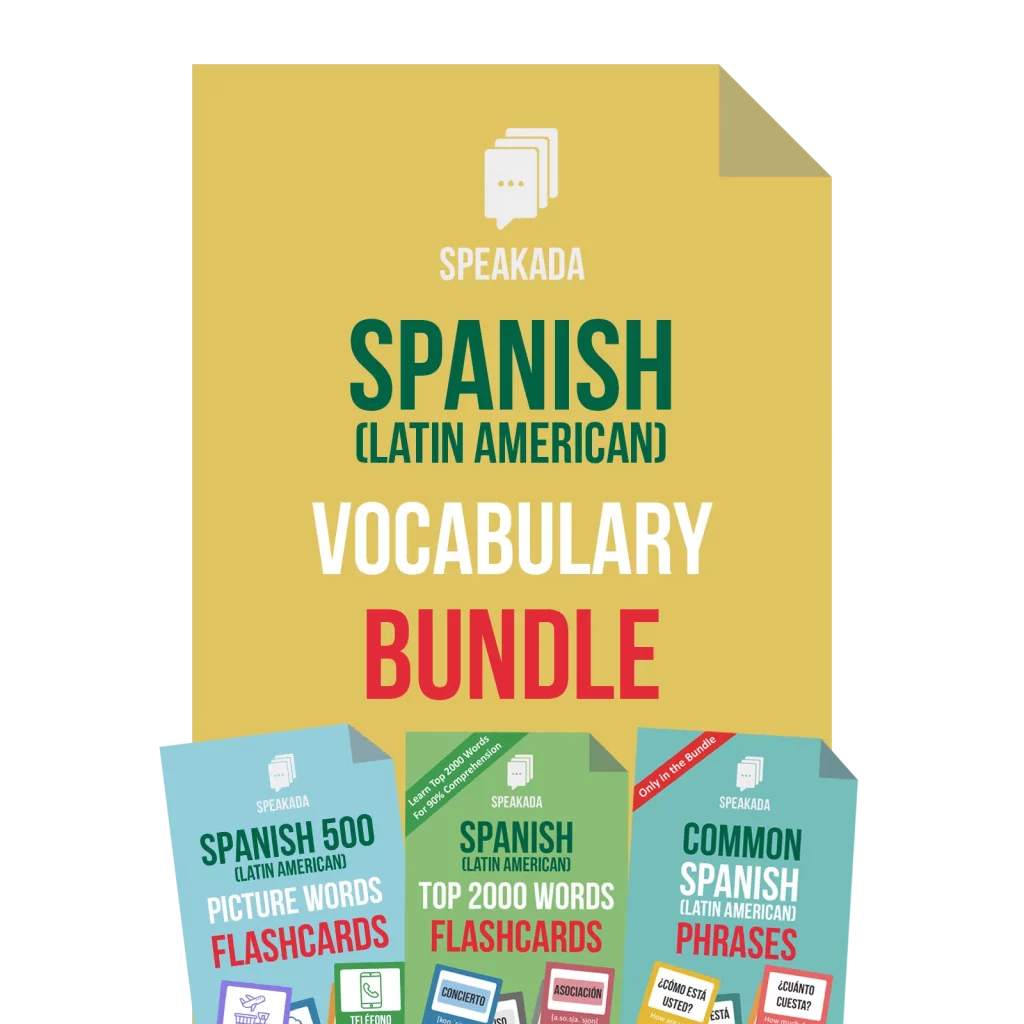
If it’s been a while since you opened your decks and you’re not sure whether you’ve actually imported everything into Anki, that’s worth checking before you assume something’s lost. And if you’re building out your system for the first time, a Vocabulary Flashcards bundle or Pronunciation Flashcards deck comes with the same permanent-once-downloaded setup described here.
Want more practical, no-nonsense Anki and language-learning tips like this? Subscribe to Speakada Weekly for one useful email a week.